
Beerienteering
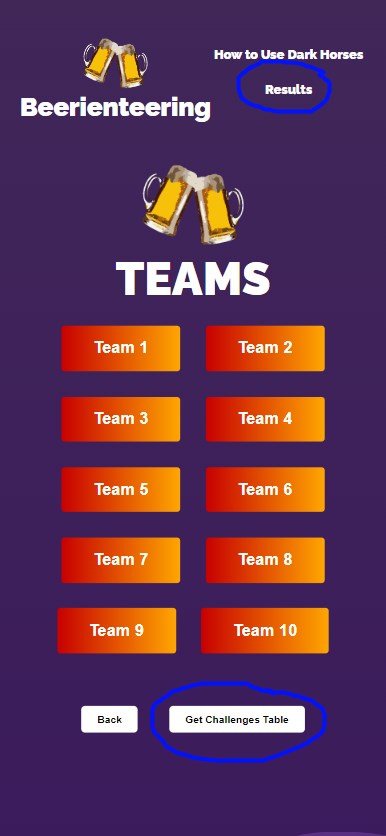
The Teams Screen.
There are three main selections to make on the team screen.
Choose a team by selecting on of the team options. You can click circled above option to get to the results, and click the option below to get the challenges table!
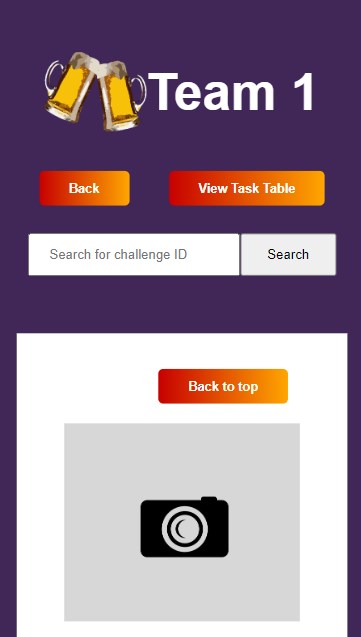
The Photos Screen
From here, you can click the View Task Table button to see the challenges in table form. You can also search by challenge number, which are listed in the table.
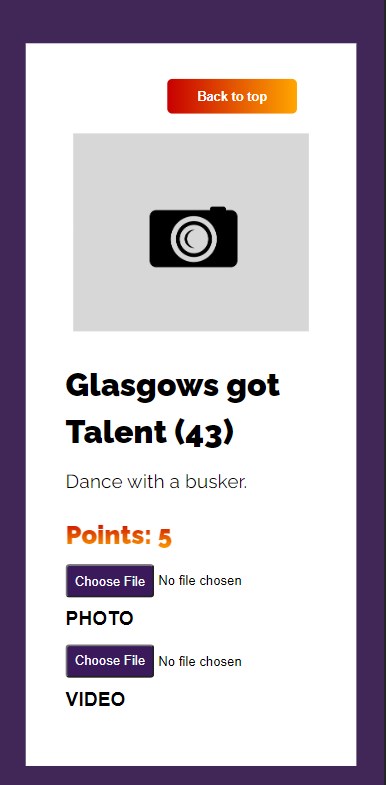
Challenge Cards.
Click Back to Top to go back to the top of the screen. There are to options for uploading; photo or video. Both will automatically upload when you select one.
